The ExpoEver guide
Walk in curious.
Walk out connected.
Discover a business or give yours a place to be discovered.
Here’s how ExpoEver brings you together.
01 / For visitors
Your next discovery
is a few steps away.
- 01
Find something that draws you in.
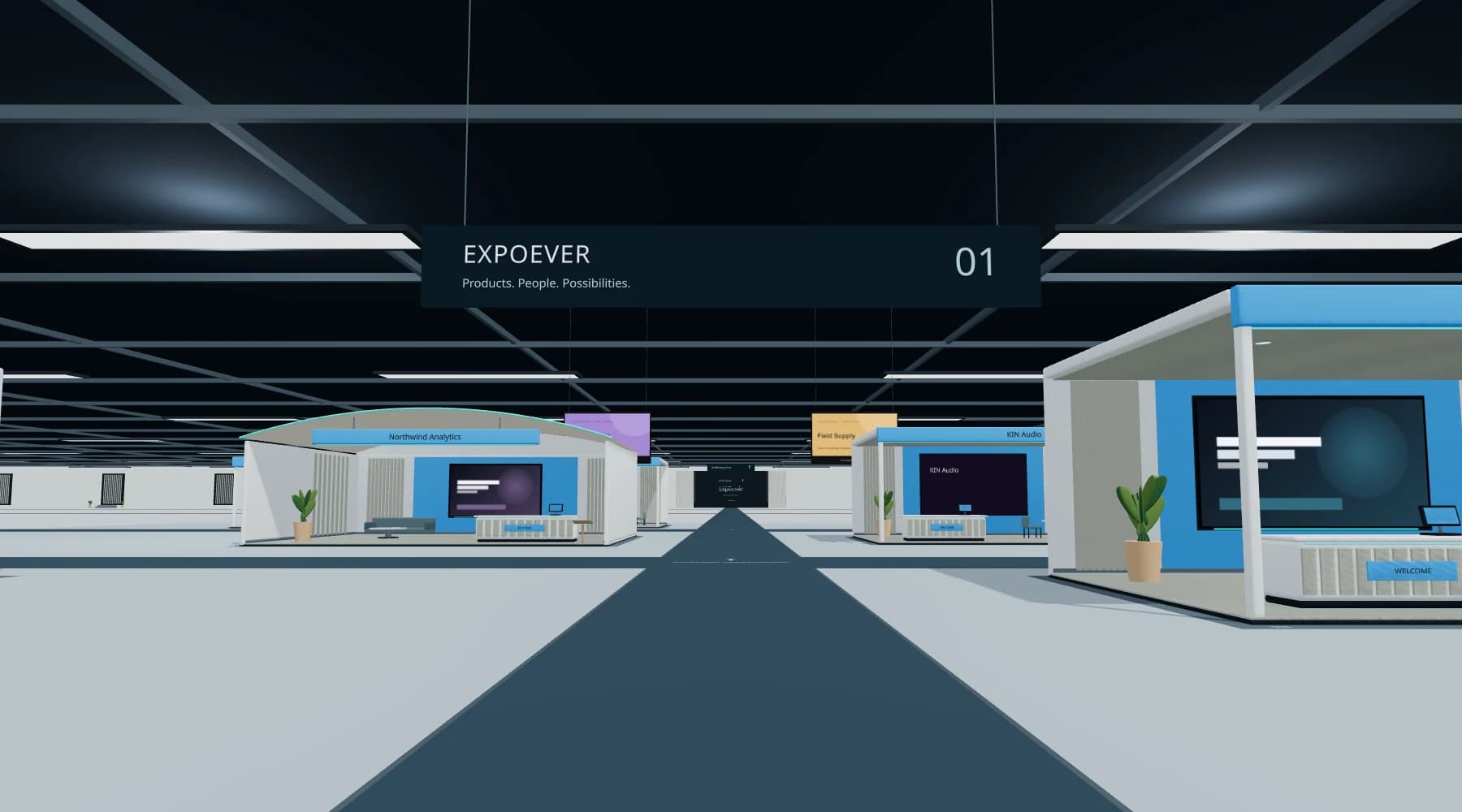
Walk through the 3D hall or browse the exhibitor directory for a lighter experience on your phone or laptop.
- 02
Take a closer look. Ask away.
Explore products and brochures. Ask an AI representative by text, or enable your microphone to speak. Answers come from the exhibitor’s content.
- 03
Keep the connection going.
Save booths for later, choose to leave your visitor card or follow a business’s website. Watch sessions and replays when the exhibitor has added them.
02 / For exhibitors
Your brand.
Your own space.
From choosing a booth to welcoming your first visitor.
Find your boothStart with the right space.
Compare booth models by footprint, presentation capacity, brochure limits and visibility. Each includes an AI representative and hall placement, subject to availability. Preview your colors and signage before choosing.
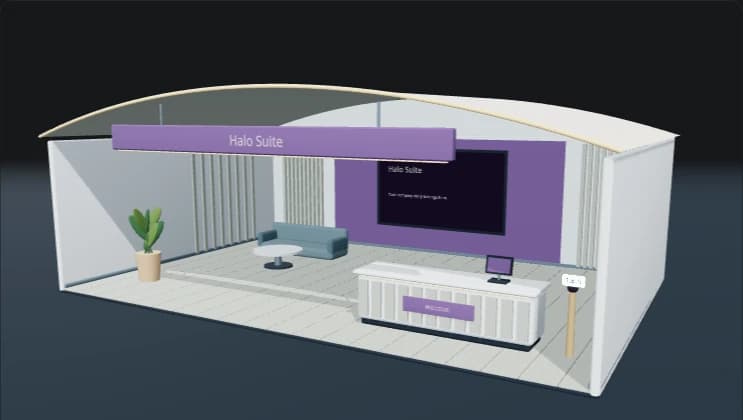
A space you can make your own Bring your brand into the hall.
When purchases are open, choose your booth and complete checkout. In My booths, enter your website to prepare your description, pitch and AI representative’s knowledge. Review the generated content for accuracy.
Your websiteYour booth’s storyGive visitors something to explore.
Add product images, presentation media, brochures and your website link within your model’s limits. Clear descriptions and useful FAQs help your representative give better answers.
Open your doors.
Review your booth, check the representative’s answers and publish. After payment, choose any available position on the hall map and rotate your booth to face the direction you prefer. Confirm your space, then publish to appear in the directory with your own shareable page. You can move your booth later from My booths.
Go to My booths
Do I need to install anything?
No. ExpoEver runs in your browser. Use the directory for a lighter alternative to the 3D hall. Text questions work without microphone access.
Am I talking to a person or AI?
The representative is an AI assistant, not a live employee. It answers using exhibitor-supplied content and can make mistakes. Confirm important product, price and availability details directly with the business.
What does a booth cost?
New booths have a one-time design price plus USD 50/month per booth. The design fee and first month are charged at signup; service renews monthly until canceled. Includes unlimited AI text chats and voice conversations per paid month, with no automatic overages. Check the current catalog for prices, currency and included features. You can browse models when purchases are paused.
Can I buy an exhibitor’s products here?
ExpoEver sells digital booth services. For an exhibitor’s products, follow its website link and confirm pricing, availability and terms directly with that business.
What should I prepare before publishing?
An accessible brand website, accurate product descriptions, useful FAQs and approved images or brochures. Check your representative’s answers and remove claims you cannot substantiate.
Your next connection starts here